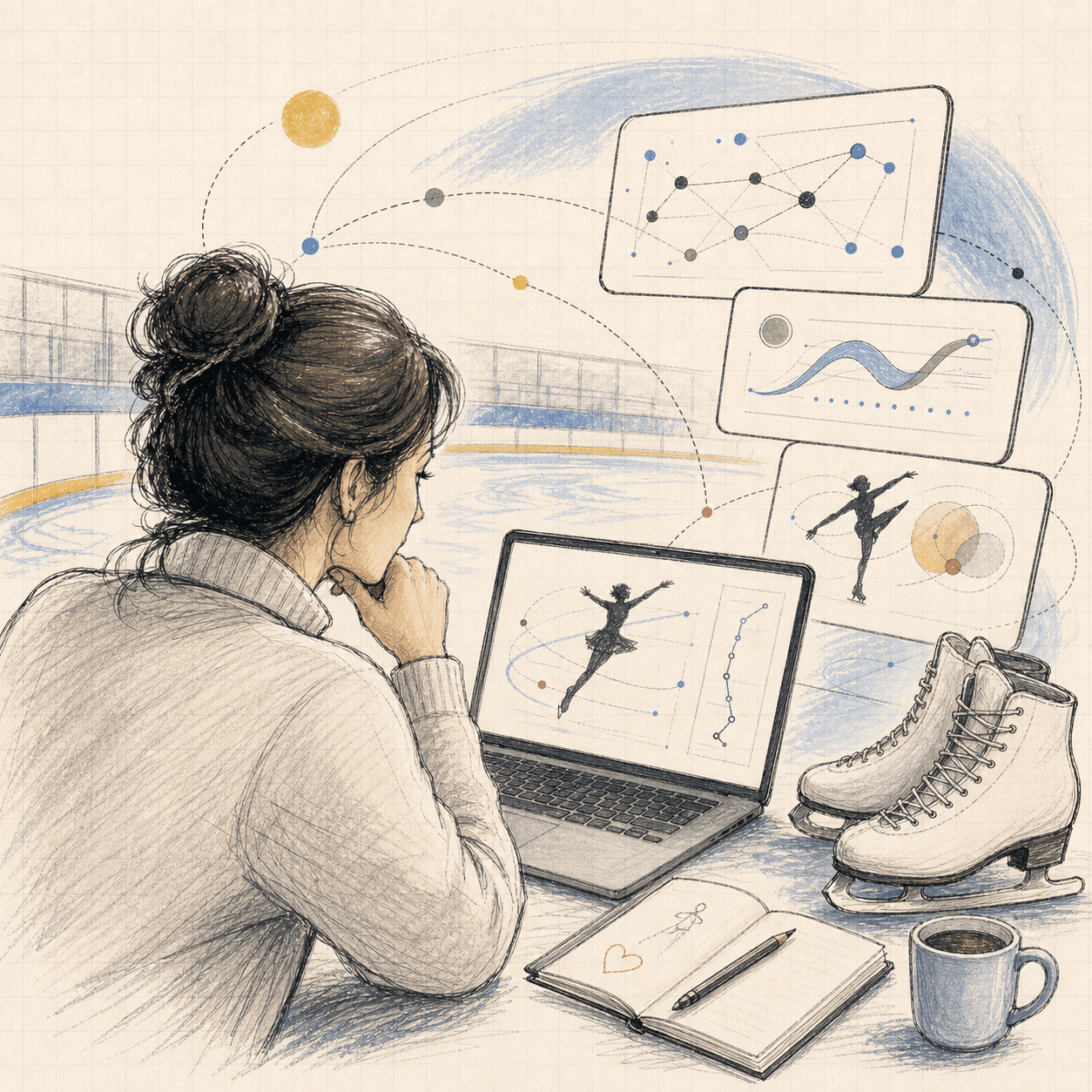
My kids train figure skating several days a week. They love it. I love watching them.
A private coaching session costs around $120 per hour. That's for one child. The coach watches a jump, gives verbal feedback, the skater tries again. Maybe the coach films it on their phone. Maybe they don't. Either way, by the time the skater gets home, the nuance of what went wrong is already fading.
The Problem Nobody Talks About
Parents sitting rinkside can see that a jump went wrong. What they can't see is why. Was the takeoff mechanics off? Did the skater lose alignment in the air? These are biomechanical questions that require trained eyes and professional knowledge.
I started keeping notes. After years of rinkside observation, I had a notebook full of questions and no systematic answers. I could tell that my kids' jumps were inconsistent, and I could tell them whether the issue was takeoff mechanics, air position, or landing technique, but I couldn't tell them clearly how to fix it in system. This knowledge relies on professional coaches a lot.
I can see it went wrong
The jump is visible. The cause is not.
The fix lives in detail
Useful feedback depends on specific, trained observation.
That's when the engineer in me took over.
Day 1: What If AI Could Watch the Jump?
The idea was simple: upload a video of a jump, get back a biomechanical diagnosis. Not vague encouragement — specific, measurable analysis of what the skater did in the air and on the landing.
I spent Day 1 doing what most developers skip: researching whether this had already been done. My SOP (Standard Operating Procedure) has a rule for this — search before you build. Before writing a single line of code, I spent 4-6 hours looking at existing solutions.
What I found: academic papers with impressive results on controlled lab footage. A few apps that promised "AI skating analysis" but actually just let you draw lines on a paused video manually. Nothing that could take a shaky rinkside phone video and automatically extract biomechanical data.
Run it on the user device
Lower server cost, but uneven performance and a worse parent experience.
Do the heavy work once
More expensive for me, simpler for the person uploading the video.
The First Technical Decision
The core architecture question was: where does the AI analysis happen? Two options presented themselves immediately.
Run pose detection in the browser with TensorFlow.js. Zero server cost. But: model size limits, slow on mobile, and no GPU acceleration for most users.
Upload video to server, run analysis on GPU. Higher cost per analysis but: can use state-of-the-art models, consistent results, and the heavy computation happens once per video.
I chose server-side. The reasoning: figure skating parents are not power users. They want to upload a video and get results. They don't want to wait 3 minutes while their phone's browser struggles with a 200MB model. The UX had to be "upload and wait 60 seconds," not "wait 3 minutes while your phone overheats."
This was also my first encounter with a principle that would become central to the entire project: the user doesn't care about your architecture. They care about the result. Server-side costs me money per analysis — but it costs the user nothing except 60 seconds of patience.
What My SOP Caught on Day 1
Here's the thing most "Day 1" stories skip: the mistakes. On Day 1, I almost made a classic one.
After deciding on server-side analysis, I immediately started scaffolding the video upload pipeline, the job queue, the result storage, the webhook notifications — the full production architecture. For a product that didn't have a single user yet. That didn't even have a working prototype.
My AI partner flagged it. The SOP has a rule called Minimal Fix First— always propose the smallest viable approach before expanding. The AI asked: "Can we validate the core hypothesis with a single script that takes a video file and prints analysis to the terminal?"
full pipeline temptation
Uploads, queues, storage, notifications, and polish.
smallest proof
One file in, one analysis out. Ugly but honest.
only build after truth
Infrastructure waits until the core hypothesis survives.
So Day 1 ended with a Python script. Not a web app. Not a pipeline. A script that took a video file, ran pose detection frame by frame, and printed joint coordinates to the terminal. It was ugly. It was slow. And it proved that the idea could work — you could extract meaningful biomechanical data from phone-recorded figure skating videos.
What I Learned
Day 1 taught me three things that stayed true across 1,000+ tests and six months of development:
- Search before you build. Two hours of research saved me from rebuilding what academics had already solved — and showed me where the real gap was (real-world video, not lab conditions).
- Start with the smallest thing that proves the hypothesis. A terminal script, not a web app. If the core algorithm doesn't work, nothing else matters.
- Your AI partner is only as disciplined as your system. Without the Minimal Fix First rule, my AI would have happily helped me build a week's worth of infrastructure I didn't need yet. The SOP is what turned "helpful assistant" into "disciplined partner."
Tomorrow: the first attempt at detecting a jump in a video. Spoiler — it measured 6.47 seconds of air time on a jump that lasted 0.7 seconds. The system had to rescue itself.